The Complete Guide to Image Compression (Without Wrecking Quality)
What image compression actually does, the difference between lossy and lossless, and a practical workflow for shrinking files while keeping them sharp.
A plain-English comparison of the four formats that matter today — how they differ, where each one wins, and how to choose without overthinking it.
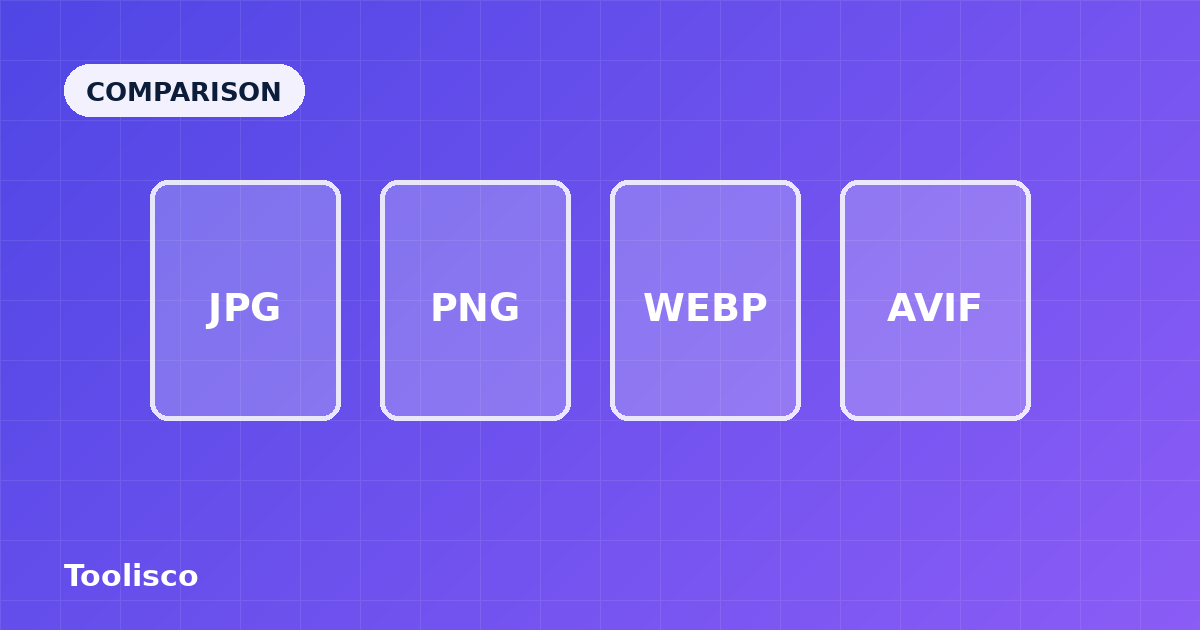
Every time you export an image, you make a format choice — and that one choice quietly decides how sharp the picture looks, how much it weighs, and whether it even displays for everyone. Most people pick out of habit: JPG for photos, PNG for everything else, and never think about it again. That habit was reasonable a decade ago. Today there are two newer formats worth knowing, and choosing well can cut your image weight in half without any visible downside. Here is a plain-English tour of the four that matter.
JPG (also written JPEG) has been the default for photographs since the 1990s, and for good reason. It uses lossy compression tuned for the way human vision works — it throws away the fine colour detail our eyes are worst at noticing, which lets it store a rich photograph in a surprisingly small file. It is supported literally everywhere: every browser, every device, every editing program opens it without a second thought.
Its weaknesses are specific. JPG cannot store transparency, so it is wrong for logos or icons that need to sit over a coloured background. It also struggles with sharp edges and flat colour — text and line art saved as JPG pick up a faint "mosquito noise" halo. And because it is lossy, re-saving a JPG repeatedly slowly degrades it. For ordinary photographs, though, it remains a perfectly good choice and the safest possible fallback.
PNG is lossless, which means it reproduces every pixel exactly with nothing discarded. That makes it the natural home for anything with crisp edges and flat colour: logos, icons, screenshots, diagrams, and UI elements. Crucially, PNG supports a full alpha channel, so it can store smooth transparency — the reason it is the go-to format for graphics that need to overlay other content.
The catch is size. Because it never discards detail, PNG produces large files for photographs, often several times bigger than the equivalent JPG. Using PNG for a photo is one of the most common ways pages end up bloated. The rule of thumb: reach for PNG when you need transparency or pixel-perfect sharpness, and reach for a lossy format when you have a photograph. If you need to move between them, the PNG to JPG and JPG to PNG converters handle it in the browser.
WebP, developed by Google, was designed to do both jobs better. It offers lossy compression that beats JPG — typically 25 to 35 percent smaller for the same visible quality — and a lossless mode that competes with PNG, all while supporting transparency. In practice it is the closest thing to a single format that handles photos and graphics alike.
Support is now excellent across all current browsers, which is why WebP has become the pragmatic default for a lot of the web. The main reason to keep a JPG or PNG around is as a fallback for very old software, but for anything modern, converting to WebP is one of the simplest weight savings available. The JPG to WebP and PNG to WebP tools convert without uploading your files anywhere.
AVIF is the newest of the four and the most efficient. Built on the AV1 video codec, it compresses harder than WebP — often another 20 percent smaller again — and holds up remarkably well at very low file sizes, where other formats start to fall apart. It supports transparency, wide colour, and high dynamic range, making it genuinely future-facing.
There are two trade-offs. Encoding an AVIF is slower than the others, so batch-converting large libraries takes more time. And while browser support is now broad, it is not quite as universal as WebP, so a fallback is still wise for the widest possible reach. For hero images and anything where every kilobyte counts, though, AVIF is hard to beat. You can try converting with the AVIF Converter.
When unsure, choose WebP. It is smaller than JPG and PNG, supports transparency, and works in every current browser.
| Format | Compression | Transparency | Best for | Support |
|---|---|---|---|---|
| JPG | Lossy | No | Photographs, universal fallback | Everywhere |
| PNG | Lossless | Yes | Logos, icons, sharp graphics | Everywhere |
| WebP | Lossy + lossless | Yes | Modern all-rounder | All current browsers |
| AVIF | Lossy + lossless | Yes | Smallest files, hero images | Broad, with fallback |
You do not need to agonise over this. A simple set of defaults covers almost every situation.
If it is a photograph and you want maximum reach with zero fuss, JPG still works. If you want it noticeably smaller and your audience uses modern browsers, choose WebP; if you want the smallest possible file and can accept slower encoding, choose AVIF.
If it is a logo, icon, screenshot, or anything needing transparency, use PNG for guaranteed compatibility, or lossless WebP if you want the same result at a smaller size.
If it is animated, WebP and AVIF both handle animation far more efficiently than the old GIF format, which is enormous by comparison.
When you are genuinely unsure, WebP is the safest modern all-rounder: smaller than JPG and PNG, widely supported, and capable of both photos and transparency.
The format itself does not, but where the conversion happens does. Every converter linked here runs entirely in your browser using native web APIs, so your images are never uploaded to a server. You get the smaller file without handing your photos to anyone. If you want the deeper technical comparison, the Knowledge Hub has a companion guide on choosing between JPG, PNG, WebP, and AVIF.
For most sites today, WebP is the best default for photos: it is markedly smaller than JPG at the same quality and supported by all current browsers. Choose AVIF if you want the very smallest files and can accept slower encoding, or stick with JPG if you need to support very old software.
Use PNG when you need lossless quality or transparency — logos, icons, screenshots, and graphics with sharp edges or flat colour. Avoid it for photographs, where it produces needlessly large files compared with a lossy format.
Yes, for most audiences. Browser support is now broad, and AVIF's efficiency is excellent. Because support is not quite as universal as WebP and encoding is slower, many sites serve AVIF with a WebP or JPG fallback for the widest reach.
The short version: JPG for universal compatibility, PNG for transparency and sharp graphics, WebP as the modern all-rounder, and AVIF when you want the smallest possible file. Pick the format that matches the content and your audience, and you will ship lighter pages without sacrificing how they look. Want to experiment? Start with the JPG to WebP converter and compare the sizes yourself.
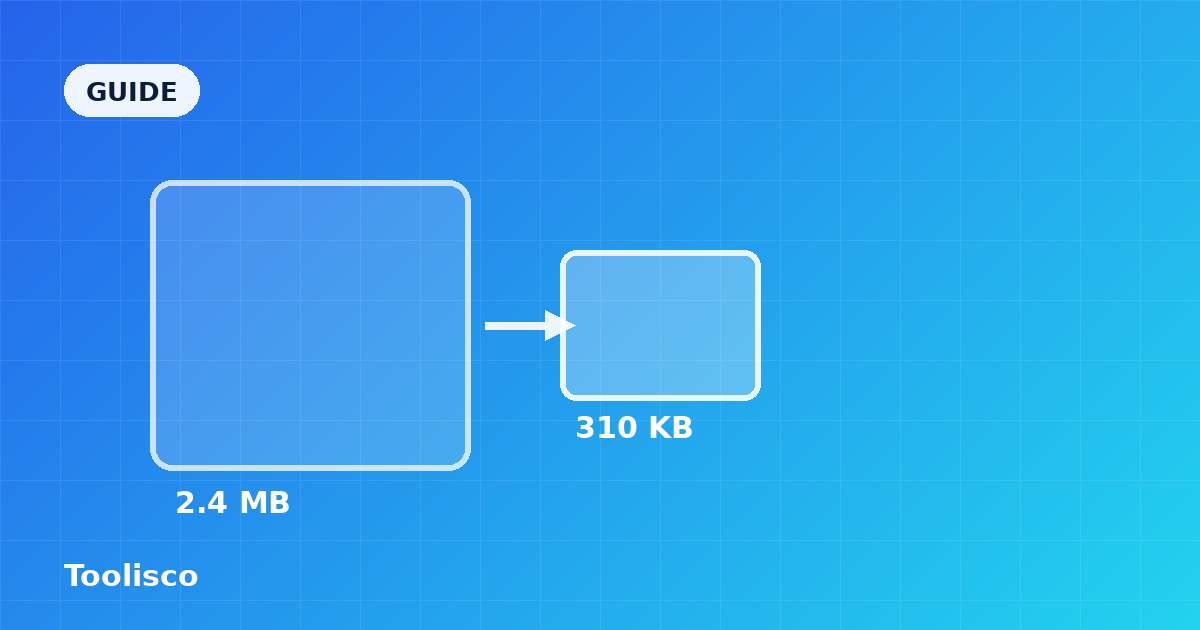
What image compression actually does, the difference between lossy and lossless, and a practical workflow for shrinking files while keeping them sharp.
A curated set of small, browser-based utilities that quietly save developers time every week — formatters, converters, generators, and inspectors.