The Complete Guide to Image Compression (Without Wrecking Quality)
What image compression actually does, the difference between lossy and lossless, and a practical workflow for shrinking files while keeping them sharp.
A curated set of small, browser-based utilities that quietly save developers time every week — formatters, converters, generators, and inspectors.

Most developer productivity does not come from big, dramatic tools. It comes from a scattering of tiny utilities that each save thirty seconds, dozens of times a day. Formatting a messy JSON payload, decoding a token, generating a UUID, converting a colour — none of these is hard, but doing them by hand, or hunting for the right site every time, adds up. This is a tour of the small, browser-based tools worth keeping within reach. None require an account, an install, or an upload; they all run locally, which means they are fast and they keep your data on your machine.
Every tool mentioned here processes data in your browser, so pasting a token or internal data never sends it to a server — a habit worth keeping with any online utility.
Code and data arrive minified, escaped, or mangled far more often than they arrive tidy. A good formatter turns an unreadable blob into something you can actually reason about, and a validator tells you exactly where it breaks.
The JSON Formatter is the one most developers reach for daily. Paste a compact API response and it expands into indented, colour-coded structure with a collapsible tree, and it flags the exact position of a syntax error — usually a stray comma or a missing quote. When you need to check validity without reformatting, the JSON Validator does just that. The same family covers markup and styles: the HTML Formatter, CSS Formatter, and XML Formatter all take tangled source and lay it out cleanly.
Going the other direction matters too. Before shipping, minifying assets strips whitespace and comments to shave bytes. The JSON, CSS, and HTML minifiers handle that in one paste.
The web runs on a stack of encodings, and sooner or later you need to move between them by hand. URL encoding is a constant: query strings, redirects, and API parameters all need special characters escaped, and the URL Encoder and URL Decoder settle any confusion in seconds. When you are staring at a string full of %20 and %3A, decoding it is far quicker than parsing it in your head.
Base64 is the other one that turns up everywhere — embedding a small image in CSS, inspecting a data URI, or decoding a chunk of a token. Toolisco's roots are here, with tools to convert text to Base64 and back, and to turn an image into a Base64 data URI ready to paste inline. If you have ever wondered why a Base64 string is bigger than the file it came from, the Knowledge Hub explains it in the guide on what Base64 encoding is.
Some tasks are trivial but tedious, and a generator removes the tedium entirely. Need a unique identifier for a database row or a test fixture? The UUID Generator produces valid version-4 UUIDs one at a time or in bulk. Setting up a new account or seeding a config? The Password Generator builds strong random strings with the character sets you choose, using the browser's cryptographic randomness rather than a predictable algorithm.
Front-end work has its own set. The Gradient Generator and the CSS helpers for box shadows and border radius let you dial in a value visually and copy the exact CSS, which beats nudging numbers and refreshing. And when you need filler while building a layout, the Lorem Ipsum Generator produces as much placeholder text as you want.
When something is behaving strangely, the fastest fix is usually to see the thing clearly. Tokens are a common source of confusion: a JWT Decoder splits a JSON Web Token into its header and payload so you can read the claims and check the expiry, without trusting a stray browser extension with your credentials. For hashing and integrity checks, generators for SHA-256 and MD5 let you verify a checksum or compare two values in a moment.
Colour work has its own inspectors. The HEX to RGB converter and its siblings move a colour between the formats different tools expect, and the Contrast Checker tells you whether a text-and-background pairing meets accessibility guidelines before it ships — a small check that saves a real problem later.
There is a reason so many developers keep a folder of bookmarked utilities rather than installing local equivalents. Browser tools have nothing to update, work identically on any machine you sit down at, and — when they process data locally like the ones here — never send your input to a server. That last point matters more than it seems: pasting a production token or a customer's data into a random online formatter is a genuine risk if that tool uploads what you paste. Tools that run entirely client-side sidestep the problem, because the data never leaves the tab.
The practical takeaway is to build your own small toolkit. Bookmark the five or six utilities you reach for most, and the thirty-second tasks stop interrupting your flow. If you want a broader map of what is available, the full tools catalogue groups everything by category.
It depends entirely on whether the tool processes data locally or uploads it. The tools linked here run in your browser, so your input never leaves your device — which is why they are safe for things like tokens and internal data. As a general habit, avoid pasting sensitive values into any tool that does not clearly process everything client-side.
No. They run in any modern browser with nothing to install or configure, and no account to create. That is a large part of their appeal — the same tools work on any machine you happen to be using.
Start with the ones you already do by hand most often. For most developers that is a JSON formatter, a URL encoder and decoder, a UUID generator, and a JWT decoder. Add colour and CSS helpers if you do front-end work, and hashing tools if you deal with integrity checks.
The best developer tools are the ones you stop noticing because they have removed a small friction from your day. Pick the handful that match your work, keep them a click away, and let the thirty-second tasks stay thirty-second tasks. Browse the full collection and start building your own shortlist.
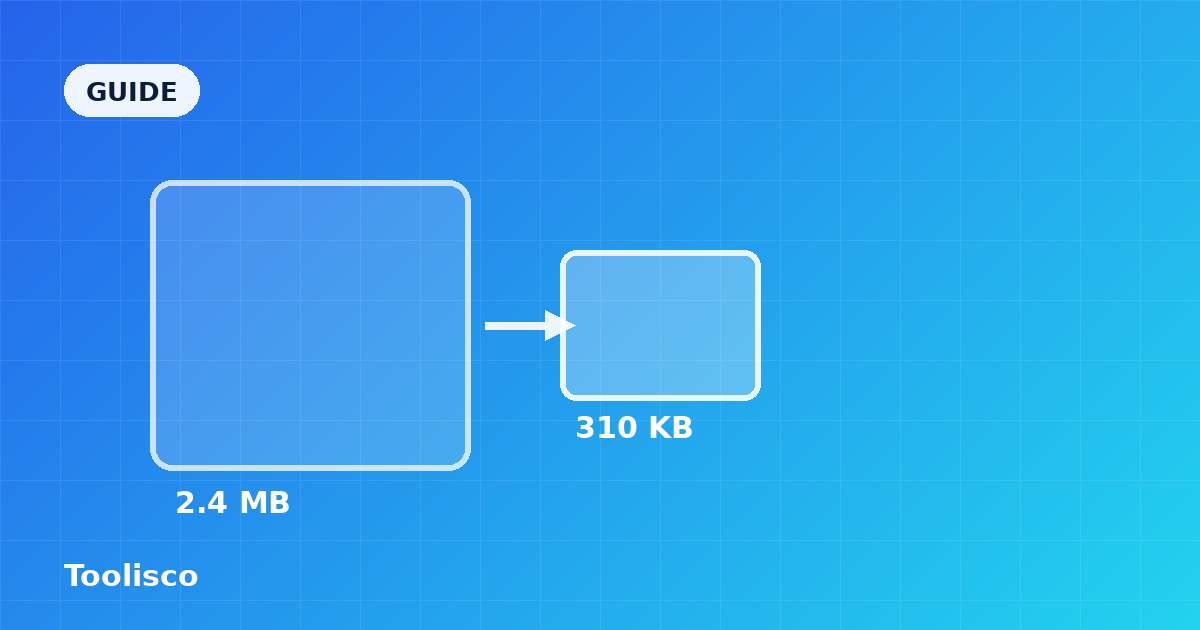
What image compression actually does, the difference between lossy and lossless, and a practical workflow for shrinking files while keeping them sharp.
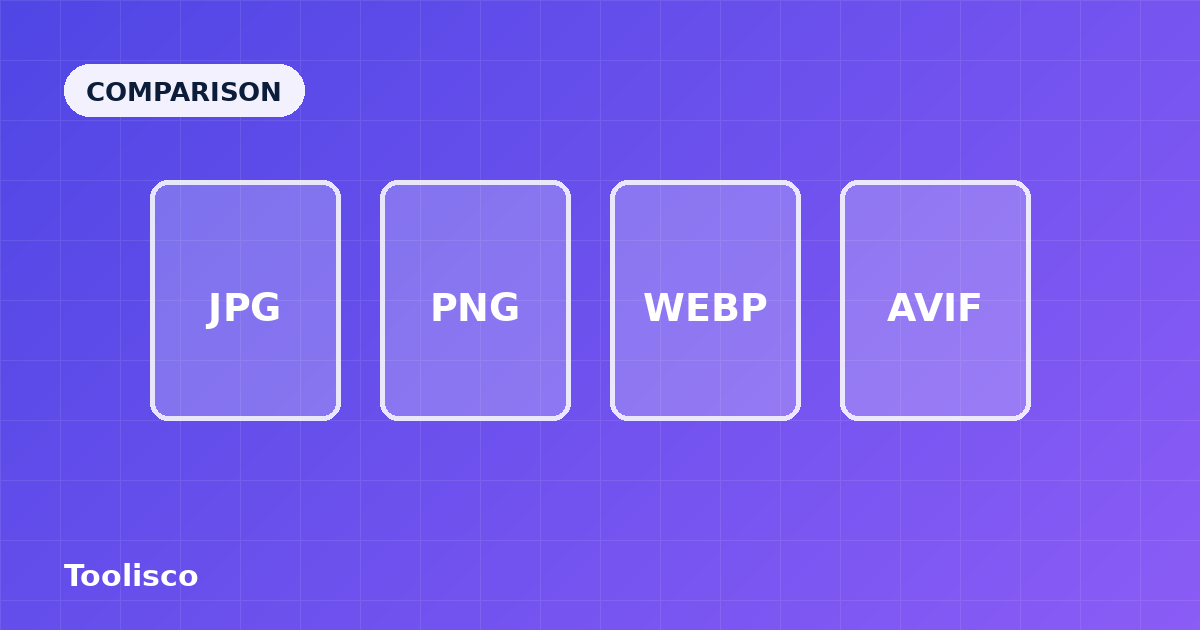
A plain-English comparison of the four formats that matter today — how they differ, where each one wins, and how to choose without overthinking it.